How to Implement SLA Tracking and Reporting for Enterprise SaaS
Learn to build comprehensive SLA tracking systems that monitor uptime, performance, and compliance. Discover tools, metrics, and reporting strategies for enterprise success.
TL;DR: Implementing effective SLA tracking for enterprise SaaS requires defining clear metrics (uptime, response time, MTTR), setting up automated monitoring tools, establishing proper data collection processes, and creating executive-level reports. Focus on availability targets of 99.9%+, response time thresholds under 200ms, and automated alerting for proactive issue resolution.
Understanding SLA Fundamentals for Enterprise SaaS
Service Level Agreements (SLAs) form the backbone of enterprise software relationships, but tracking them effectively remains a challenge for many organizations in 2026. Your SLA tracking system needs to go beyond basic uptime monitoring to include performance metrics, response times, and business-critical functionality.
Enterprise customers expect transparency and accountability. They're not just buying your software—they're investing in your reliability promise. When you fail to meet SLA commitments, you risk losing million-dollar contracts and damaging long-term partnerships.
Successful SLA implementation requires three core components: clear metric definitions, robust monitoring infrastructure, and actionable reporting mechanisms.
Defining Key SLA Metrics for Enterprise Applications
Availability and Uptime Targets
Start with availability metrics that align with business impact. Enterprise SaaS typically operates under 99.9% (8.76 hours downtime annually) or 99.99% (52.56 minutes annually) availability targets.
Define what "available" means for your service. Does it include partial functionality during maintenance windows? Are planned maintenance periods excluded from calculations? Be specific to avoid disputes during SLA reviews.
Track both overall system availability and component-level availability for critical features. A payment processing system might maintain 99.95% overall uptime while the reporting dashboard experiences issues.
Performance and Response Time Metrics
Response time SLAs should reflect real user experience, not just server response codes. Measure:
- API response times (typically <200ms for enterprise applications)
- Page load times for web interfaces (<3 seconds)
- Database query performance (<100ms for simple queries)
- File upload/download speeds (based on file size and connection type)
Set different thresholds for different types of operations. Critical transactional functions require stricter response time commitments than reporting or analytics features.
Resolution Time Commitments
Define Mean Time to Resolution (MTTR) targets for different incident severities:
- Critical incidents: Complete service outages (2-4 hours maximum)
- High priority: Major feature failures (8-12 hours maximum)
- Medium priority: Minor functionality issues (24-48 hours maximum)
- Low priority: Cosmetic or enhancement requests (5-10 business days)
Include escalation procedures and communication requirements for each severity level.
Setting Up Monitoring Infrastructure
Comprehensive Monitoring Strategy
Your monitoring system must capture data from multiple layers:
Infrastructure monitoring tracks server health, network connectivity, and resource utilization. Monitor CPU usage, memory consumption, disk I/O, and network latency across all production environments.
Application performance monitoring (APM) provides insights into code-level performance, database queries, and third-party API dependencies. This data helps identify bottlenecks before they impact user experience.
Synthetic monitoring simulates user interactions to test critical workflows continuously. Create synthetic transactions that mirror your most important customer use cases.
Real-User Monitoring Implementation
Real-user monitoring (RUM) captures actual user experience data from production environments. Implement RUM to track:
- Page load times across different browsers and devices
- JavaScript errors and their frequency
- User interaction delays and timeouts
- Geographic performance variations
This data provides the most accurate representation of customer experience and helps validate your synthetic monitoring results.
Alerting and Escalation Procedures
Configure multi-tier alerting that escalates based on incident duration and severity. Your alerting system should:
- Send immediate notifications for SLA threshold breaches
- Escalate to management after predetermined time periods
- Integrate with incident management platforms
- Provide context-rich alerts with diagnostic information
Avoid alert fatigue by tuning thresholds appropriately and implementing intelligent alert grouping.
Data Collection and Storage Best Practices
Historical Data Requirements
Maintain detailed historical data for trend analysis and compliance reporting. Store metrics at multiple granularities:
- Real-time data: 1-minute intervals for immediate alerting
- Operational data: 5-minute intervals for daily operations
- Reporting data: Hourly/daily aggregations for executive reports
- Compliance data: Monthly/quarterly summaries for contract reviews
Retain granular data for at least 13 months to support year-over-year comparisons and regulatory requirements.
Data Quality and Accuracy
Implement data validation procedures to ensure measurement accuracy. Common data quality issues include:
- Clock synchronization problems across distributed systems
- Missing data points during monitoring system maintenance
- False positives from overly sensitive health checks
- Inconsistent measurement methodologies across environments
Regularly audit your monitoring configuration and validate metrics against known good baselines.
Creating Executive-Level SLA Reports
Dashboard Design for Stakeholders
Different stakeholders need different views of SLA performance:
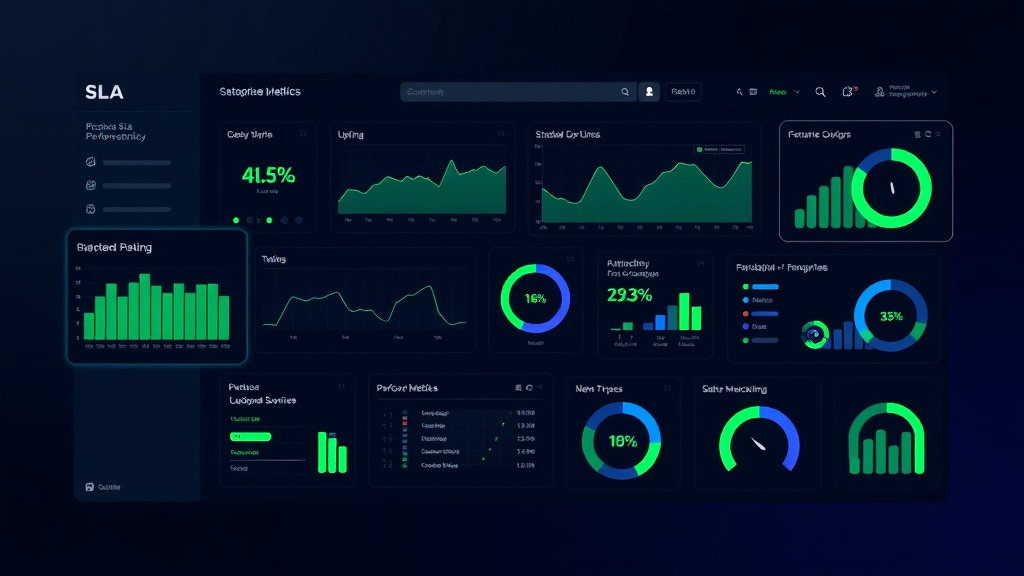
Executive dashboards focus on high-level trends, compliance percentages, and business impact metrics. Use clear visualizations and avoid technical jargon.
Operational dashboards provide detailed performance metrics, incident timelines, and diagnostic information for technical teams.
Customer-facing reports emphasize transparency and accountability while maintaining appropriate technical detail levels.
Automated Reporting Systems
Implement automated reporting that delivers consistent, timely updates to stakeholders. Your reporting system should:
- Generate monthly SLA compliance reports automatically
- Send weekly performance summaries to operations teams
- Trigger immediate notifications for SLA violations
- Provide self-service access to historical performance data
Platforms like Livstat can streamline this process by combining monitoring data with automated report generation, reducing manual effort while ensuring consistency.
Incident Impact Analysis
Quantify the business impact of each incident in your reports. Include:
- Affected user count and duration
- Revenue impact estimates
- SLA credit calculations (if applicable)
- Root cause analysis summaries
- Prevention measures implemented
This analysis helps justify infrastructure investments and demonstrates your commitment to continuous improvement.
Handling SLA Violations and Credits
Violation Response Procedures
Establish clear procedures for SLA violation scenarios:
- Immediate acknowledgment within 15 minutes of violation detection
- Impact assessment within 1 hour including affected services and user count
- Communication plan with regular updates every 30-60 minutes during active incidents
- Resolution tracking with detailed timelines and action items
- Post-incident review within 48 hours including root cause analysis
SLA Credit Calculations
Implement transparent credit calculation methods that align with your SLA commitments. Common approaches include:
- Percentage-based credits: Credits equal to the downtime percentage (e.g., 0.1% downtime = 0.1% monthly fee credit)
- Tiered credit structures: Increasing credit percentages for longer outages
- Service-specific credits: Different credit rates for different service components
Automate credit calculations to ensure consistency and reduce administrative overhead.
Continuous Improvement and Optimization
Performance Trend Analysis
Regularly analyze performance trends to identify improvement opportunities:
- Compare performance across different time periods
- Identify seasonal or cyclical patterns
- Correlate performance changes with infrastructure modifications
- Benchmark against industry standards and competitor performance
Use this analysis to set realistic SLA targets and justify infrastructure investments.
Proactive Capacity Planning
Leverage SLA tracking data for capacity planning decisions. Monitor resource utilization patterns and performance degradation indicators to scale infrastructure before SLA violations occur.
Implement predictive alerting based on trend analysis to address potential issues before they impact users.
Conclusion
Effective SLA tracking and reporting requires a comprehensive approach that combines technical monitoring, clear metric definitions, and stakeholder-focused reporting. Success depends on implementing robust monitoring infrastructure, maintaining high-quality historical data, and creating actionable reports that drive continuous improvement.
Focus on building systems that provide real-time visibility into service performance while maintaining the historical context needed for trend analysis and compliance reporting. Your SLA tracking system should serve as both a operational tool and a strategic asset that demonstrates your commitment to service excellence.