How to Set Up Status Page Monitoring for E-Commerce Platforms
Learn to implement comprehensive status page monitoring for your e-commerce platform. Essential setup guide covering checkout flows, payment systems, and customer communication strategies.
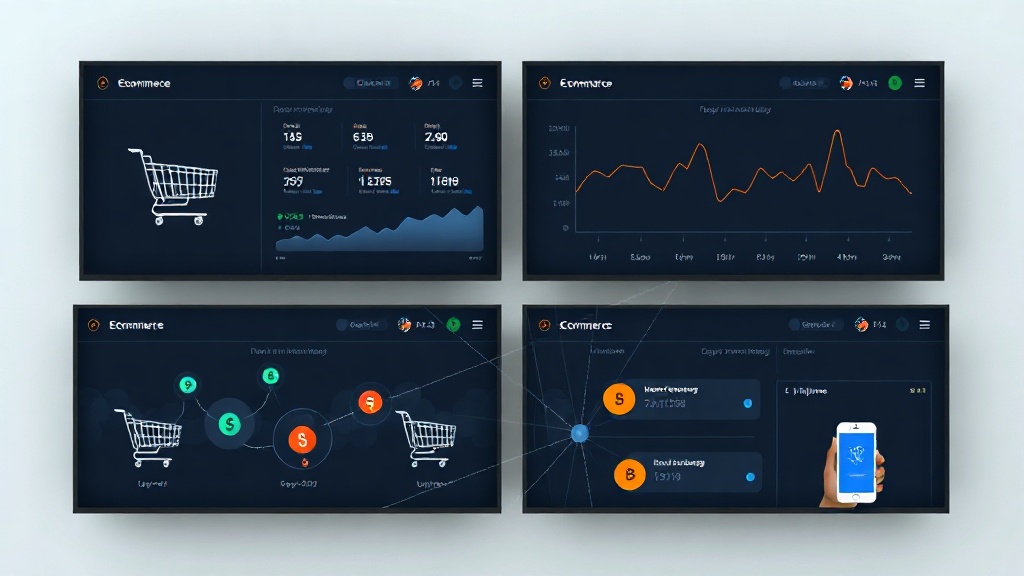
TL;DR: Setting up status page monitoring for e-commerce platforms requires monitoring critical customer touchpoints like checkout flows, payment processing, search functionality, and inventory systems. Focus on real-time monitoring, automated incident detection, and transparent customer communication to maintain trust and minimize revenue impact during outages.
Why E-Commerce Monitoring Is Mission-Critical
E-commerce platforms face unique monitoring challenges compared to other web applications. A single minute of downtime during peak shopping hours can cost major retailers thousands in lost revenue, while even minor performance issues can trigger shopping cart abandonment rates exceeding 70%.
Your customers expect seamless experiences across multiple touchpoints. They're browsing products on mobile, adding items to cart on desktop, and completing purchases through various payment methods. Each interaction point represents a potential failure scenario that requires dedicated monitoring.
Unlike content websites where users might wait for slow loading, e-commerce customers have zero tolerance for friction. They'll abandon their cart and move to competitors within seconds if your platform shows any signs of instability.
Essential E-Commerce Components to Monitor
Product Catalog and Search Functions
Your product catalog serves as the foundation of customer experience. Monitor search response times, filter functionality, and product page load speeds across different categories.
Set up synthetic transactions that perform common search queries every 30 seconds. Test both text searches and category filtering to ensure customers can find products efficiently. Monitor database query performance behind your search functionality, as slow searches directly correlate with bounce rates.
Track inventory synchronization between your warehouse management system and website display. Nothing frustrates customers more than discovering items are out of stock after adding them to cart.
Shopping Cart and Checkout Flows
Your checkout process represents the most critical revenue-generating workflow. Monitor each step from cart addition through order confirmation, including guest checkout options and account creation flows.
Implement end-to-end transaction monitoring that simulates complete purchase journeys. Test adding products to cart, applying discount codes, selecting shipping options, and completing payments. Set aggressive alerting thresholds here—any degradation in checkout performance should trigger immediate notifications.
Monitor cart abandonment rates in real-time. Sudden spikes often indicate technical issues before customers report problems. Configure automated checks for common failure points like expired sessions, payment gateway timeouts, or shipping calculator errors.
Payment Processing Integration
Payment systems require specialized monitoring approaches beyond basic uptime checks. Monitor response times for payment authorization, settlement processing, and refund capabilities across all supported payment methods.
Set up dedicated monitors for each payment provider you integrate—credit cards, PayPal, Apple Pay, cryptocurrency payments, and buy-now-pay-later services. Each provider has different failure modes and response patterns.
Implement fraud detection system monitoring to ensure security measures don't create false positives that block legitimate transactions. Monitor both successful and declined transaction rates to identify unusual patterns.
User Account Systems
Customer accounts store order history, payment methods, and preferences. Monitor login functionality, password reset flows, and account registration processes across all platforms.
Test social media login integrations separately, as third-party authentication services introduce additional failure points. Monitor API response times for account verification services and address validation tools.
Track customer support ticket volumes related to account access issues. Sudden increases often indicate underlying authentication problems that automated monitoring might miss.
Setting Up Comprehensive Monitoring Infrastructure
Geographic Distribution Strategy
E-commerce platforms serve global audiences with varying performance expectations. Implement monitoring from multiple geographic regions to understand regional performance variations.
Position monitors in your primary markets and key shipping destinations. If you serve customers in North America, Europe, and Asia, ensure monitoring coverage from at least two locations in each region.
Configure region-specific alerting thresholds. Customers in major metropolitan areas expect sub-second response times, while rural areas might tolerate slightly higher latency.
Mobile-First Monitoring Approach
Mobile commerce represents over 60% of e-commerce traffic in 2026. Your monitoring strategy must prioritize mobile experience monitoring over desktop performance.
Implement mobile-specific synthetic transactions that account for touch interfaces, smaller screens, and variable network conditions. Test mobile checkout flows separately from desktop versions, as they often use different code paths.
Monitor Progressive Web App (PWA) functionality if applicable, including offline browsing capabilities and push notification delivery. Test mobile payment methods like Apple Pay and Google Pay through dedicated monitoring scenarios.
Real-Time Inventory Integration
Inventory accuracy directly impacts customer satisfaction and revenue. Monitor real-time synchronization between your e-commerce platform and warehouse management systems.
Set up automated checks that verify inventory counts across multiple sales channels. If you sell through your website, marketplaces, and physical stores, ensure inventory updates propagate correctly to prevent overselling.
Monitor third-party logistics (3PL) API integrations if you use external fulfillment services. Track shipping rate calculations and delivery estimate accuracy to maintain customer trust.
Incident Communication Best Practices
Proactive Customer Notifications
E-commerce customers need immediate transparency about service issues. Configure your status page to automatically publish incidents when critical customer-facing services experience problems.
Create customer-friendly incident descriptions that avoid technical jargon. Instead of "database connection timeout," communicate "We're experiencing issues processing orders and are working to resolve this quickly."
Implement subscriber notifications for different customer segments. VIP customers might receive immediate SMS alerts, while general customers get email notifications.
Revenue Impact Communication
During incidents affecting purchasing capabilities, provide clear guidance about alternative ordering methods. If your website checkout is down but phone orders work, prominently display customer service contact information.
Maintain separate status components for different service tiers. Premium customers with dedicated support channels should see different status information than general users.
Tools like Livstat enable automated incident detection and customer communication, ensuring your team can focus on resolution rather than manual status updates during critical revenue-impacting incidents.
Post-Incident Analysis
E-commerce incidents require detailed post-mortem analysis focused on revenue impact and customer experience degradation. Track metrics like cart abandonment rates, conversion rate changes, and customer support ticket volumes during incidents.
Publish incident reports that include timeline impact on customer experience, not just technical resolution steps. Customers want to understand how incidents affected their orders and what you're doing to prevent recurrence.
Maintain historical incident data to identify patterns related to traffic spikes, seasonal promotions, or infrastructure scaling issues.
Advanced Monitoring Considerations
Peak Season Preparedness
E-commerce platforms face extreme load variations during holidays, sales events, and product launches. Implement load testing scenarios that simulate peak traffic conditions.
Monitor third-party service dependencies that might become bottlenecks during high-traffic periods. Payment processors, shipping APIs, and CDN services often experience degraded performance during peak shopping seasons.
Set up graduated alerting thresholds that account for expected traffic increases. Your normal response time thresholds might be too aggressive during Black Friday traffic surges.
Integration Ecosystem Monitoring
Modern e-commerce platforms rely on dozens of third-party services. Monitor email marketing platforms, analytics services, customer review systems, and social media integrations.
Track API rate limits and quota consumption for external services. Many third-party providers implement usage-based throttling that can impact customer experience during traffic spikes.
Maintain fallback monitoring for critical integrations. If your primary payment processor experiences issues, automated monitoring should verify that backup payment methods activate correctly.
Conclusion
Effective e-commerce monitoring requires a customer-centric approach that prioritizes revenue-generating workflows and maintains transparent communication during incidents. Focus your monitoring efforts on the complete customer journey from product discovery through order fulfillment.
Implement comprehensive monitoring across all customer touchpoints, prioritize mobile experience monitoring, and maintain proactive communication strategies that preserve customer trust during service disruptions. Remember that e-commerce monitoring isn't just about uptime—it's about protecting revenue and maintaining the seamless shopping experiences your customers expect in 2026.


