7 Status Page Templates Every SaaS Startup Needs in 2026
Copy-paste status page templates for SaaS startups — from minimal single-service layouts to multi-region enterprise setups, plus incident copy you can reuse today.
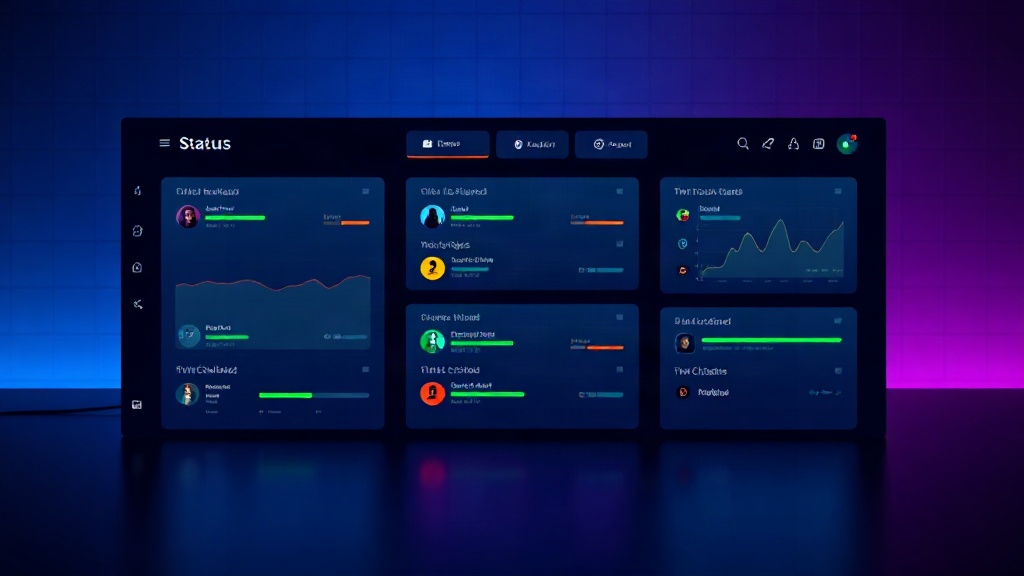
TL;DR: Most SaaS startups overthink their status page design and underthink the templates that actually matter — component layouts, incident update copy, and maintenance notices. This guide gives you 7 ready-to-use templates for 2026, including exact structures and sample copy you can adapt in minutes.
A status page isn't a design project. It's a trust document that customers check during the worst moments of your product experience — an outage, a slow API, a failed payment. Yet most early-stage teams spend hours picking colors and fonts, then scramble to write incident updates on the fly when something actually breaks.
The fix is templates. Not just page layouts, but reusable structures for components, incidents, and maintenance windows that you set up once and reuse forever.
Why Templates Matter More Than Design
A 2025 survey of SaaS support teams found that 68% of customers judge a company's reliability more by how it communicates during incidents than by its actual uptime number. A polished page with vague, inconsistent updates erodes trust faster than a plain page with clear, timely ones.
Templates solve three problems at once:
- Speed. You're not writing from scratch during an active incident.
- Consistency. Every update follows the same tone and structure, which builds familiarity.
- Fewer mistakes. Pre-approved language avoids legal or PR missteps under pressure.
Below are the templates that cover 90% of what a growing SaaS company needs.
1. The Minimal Single-Product Template
Best for pre-seed to Series A startups with one core product and a handful of dependencies.
Structure:
- Overall status banner (Operational / Degraded / Outage)
- 4-6 components: API, Web App, Dashboard, Authentication, Email Delivery, Payments
- Uptime history (90-day graph)
- Subscribe button (email/SMS/RSS)
Keep this page to one screen. Startups that cram in 20 components confuse users who just want a yes/no answer. If you're using Livstat, this layout takes under 10 minutes to configure with pre-built component groups.
2. The Multi-Service Grouped Template
Once you have multiple products or a platform with distinct modules (common by Series A-B), group components logically.
Structure:
Core Platform
  - API
  - Web App
  - Mobile App
Integrations
  - Slack Connector
  - Zapier Webhooks
Infrastructure
  - CDN
  - Database Cluster
Grouping prevents the "wall of green checkmarks" problem where customers can't quickly find the service they actually care about.
3. The Multi-Region / Global SaaS Template
If you serve customers across US, EU, and APAC, region-specific status matters. A single "Operational" badge hides regional degradation that only affects part of your user base.
Structure:
- Region tabs or filters: US-East, EU-West, APAC-Southeast
- Per-region component status
- Latency/response time widget per region
This template reduces support tickets from customers in unaffected regions who otherwise assume they're down too.
4. The Incident Update Template (Copy-Paste)
This is the most underrated template of all — the actual words you post during an incident.
Investigating:
We're investigating reports of [issue, e.g., delayed webhook deliveries]. We'll share an update within 30 minutes.
Identified:
We've identified the cause as [root cause, e.g., a database connection pool exhaustion] affecting [component]. A fix is being deployed.
Monitoring:
A fix has been deployed and we're monitoring results. [Component] should be operating normally. We'll confirm resolution shortly.
Resolved:
This incident is resolved. [Component] has been stable for [X] minutes. A full postmortem will be shared within 48 hours if applicable.
Set these as saved snippets inside your status page tool so your on-call engineer only needs to fill in brackets.
5. The Scheduled Maintenance Template
Maintenance windows generate fewer support tickets when the copy is specific and proactive.
Template:
Scheduled Maintenance: [Component Name]
We'll be performing scheduled maintenance on [date] from [start time] to [end time] [timezone]. During this window, [component] may experience [brief downtime / degraded performance / no impact — read-only mode]. No action is required on your part.
Send this 48-72 hours in advance, then post a reminder 1 hour before, and a confirmation when complete. Three touches is the sweet spot — fewer feels careless, more feels spammy.
6. The Enterprise / SLA-Facing Template
Once you land enterprise customers, they'll expect more rigor: uptime percentages, SLA compliance history, and often a private status page for their account team.
Structure:
- Public page: standard component status
- Private page: dedicated incidents affecting only that customer's infrastructure (dedicated instance, custom domain, etc.)
- SLA compliance widget showing rolling 30/90-day uptime against contractual thresholds (e.g., 99.9%)
This template matters because enterprise procurement teams often ask for it explicitly during security reviews — having it ready shortens sales cycles.
7. The Postmortem Template
For incidents lasting over 30 minutes or affecting payments/auth, publish a postmortem within 48-72 hours.
Structure:
- Summary (2-3 sentences, plain language)
- Timeline (timestamped, UTC)
- Root cause
- Impact (who/what was affected, duration)
- Remediation (what you fixed immediately)
- Prevention (what changes you're making long-term)
Keep the tone factual, not defensive. Customers forgive outages far more readily than they forgive vague explanations.
How to Implement These Without Extra Tooling
You don't need custom development to run all seven templates. Most modern status page platforms, including Livstat, let you:
- Create reusable incident message templates tied to severity levels
- Group components into categories or regions
- Schedule maintenance windows with automated pre/post notifications
- Set up private status pages for enterprise accounts under the same account
- Export uptime data for SLA reporting
Start with the minimal template (#1) on day one, then add grouped (#2) and incident copy (#4) as soon as you have more than two engineers on call. Multi-region and enterprise templates (#3, #6) can wait until you actually need them — don't over-engineer a status page for a company you don't have yet.
Key Takeaway
The design of your status page matters far less than having the right templates ready before you need them. A startup with a plain page and crisp, pre-written incident updates will out-communicate a competitor with a beautiful page and improvised copy every time. Build your component structure once, save your incident and maintenance templates, and you'll never be scrambling for words during an outage again.