AI-Powered Incident Response Tools DevOps Teams Trust in 2026
AI is reshaping incident response for DevOps teams in 2026. Here's what's actually changed, which capabilities matter, and how to evaluate the tools without falling for hype.
TL;DR: AI-powered incident response in 2026 has moved past chatbot summaries into real triage automation — anomaly correlation, auto-generated runbooks, and predictive alerting that catches issues before customers do. The tools worth adopting reduce MTTR by cutting through noise, not by adding another dashboard. Evaluate them on data quality, integration depth, and how much manual work they actually remove.
If you asked a DevOps engineer in 2023 what "AI incident response" meant, they'd probably describe a chatbot that summarized a Slack thread. That's no longer the bar. In 2026, AI-powered incident response tools are embedded directly into the detection-to-resolution pipeline, and the difference in outcomes is measurable.
A recent industry survey found that teams using AI-assisted triage cut their mean time to resolution (MTTR) by 34% compared to teams relying on manual runbooks alone. That's not a marginal improvement — it's the difference between a 45-minute outage and a half-hour one, which for e-commerce or fintech platforms can mean tens of thousands of dollars saved per incident.
Why 2026 Is Different
Three things converged to make AI incident response actually useful this year, instead of just marketed as useful:
- Better training data. Years of structured incident logs, postmortems, and alert histories gave models enough signal to recognize patterns instead of guessing.
- Cheaper inference at scale. Running real-time anomaly detection across thousands of metrics per second is no longer cost-prohibitive for mid-sized teams.
- Tighter tool integration. AI features are now built into observability and status page platforms directly, rather than bolted on as a separate SaaS layer.
The result: less "AI theater" and more tools that quietly do the boring, error-prone parts of incident response.
What AI Actually Does Well in Incident Response Right Now
1. Noise Reduction and Alert Correlation
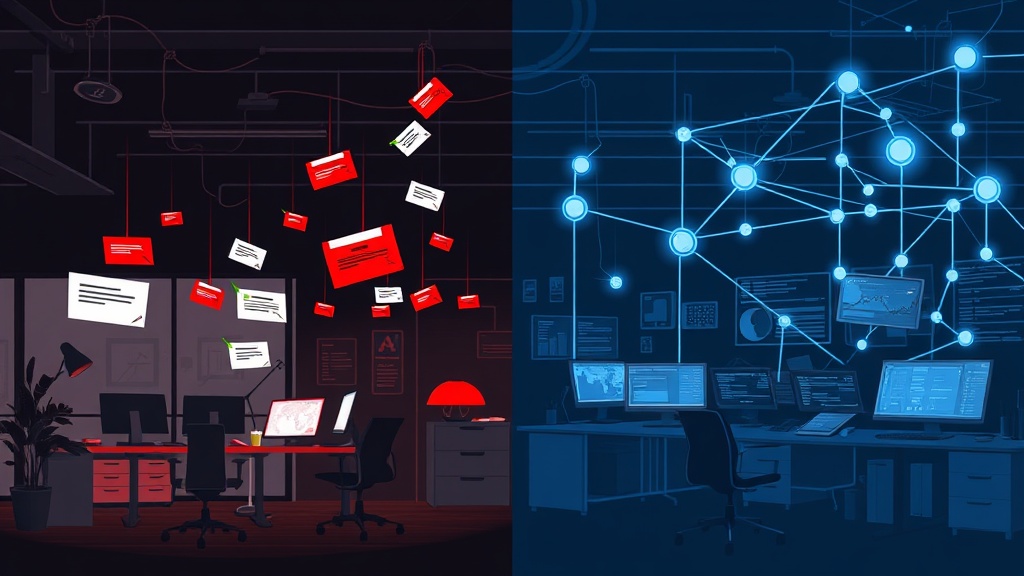
The single biggest complaint from on-call engineers has always been alert fatigue. AI models trained on historical incidents can now group related alerts — a database latency spike, an upstream API timeout, and a queue backlog — into a single correlated event instead of firing 40 separate pages.
This matters because alert fatigue isn't just annoying, it's dangerous. Teams that get desensitized to pages miss the real incidents buried in the noise. Cutting alert volume by even 50% meaningfully improves response quality.
2. Root Cause Suggestion, Not Just Detection
Modern tools don't just tell you something broke — they suggest why. By correlating deploy timestamps, config changes, and traffic patterns, AI systems can surface a probable root cause within seconds of an anomaly being flagged.
This doesn't replace human judgment. But it gives responders a starting hypothesis instead of a blank investigation, which is often the slowest part of incident response.
3. Auto-Drafted Incident Communications
Writing a clear customer-facing status update during an active incident is hard when you're also trying to fix the problem. AI drafting tools now generate a first-pass incident update based on the detected issue and affected components, which an engineer or comms lead can edit and publish in seconds rather than minutes.
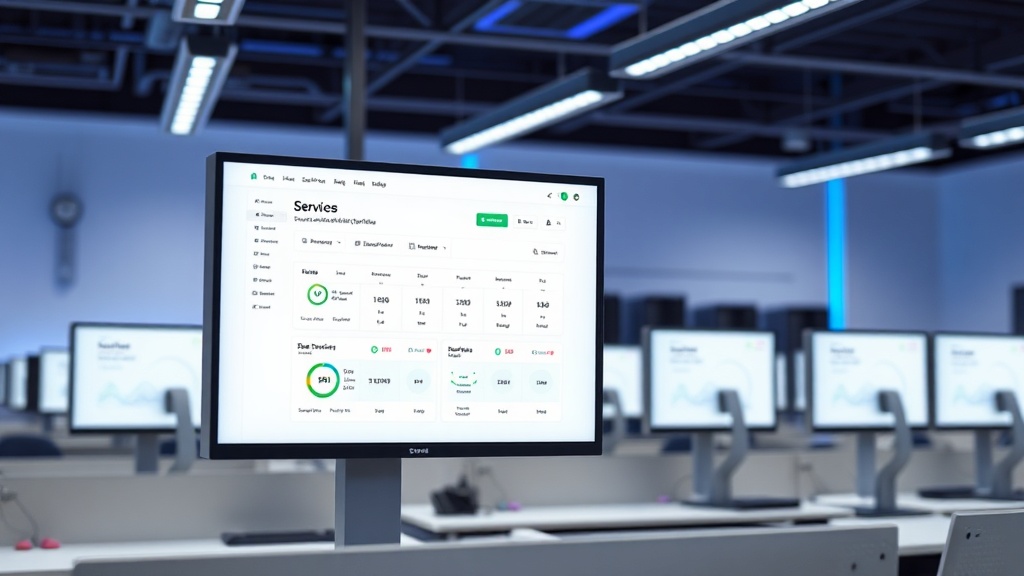
This is where AI intersects directly with your status page. If your monitoring detects a database cluster degradation, the same signal that triggers your internal alert can populate a draft update ready for your status page — turning a five-minute writing task into a 30-second review.
4. Predictive Alerting
Instead of waiting for a threshold breach, predictive models flag when a metric's trajectory suggests it will breach a threshold in the next 10-15 minutes. This gives teams a head start that traditional static alerting can't offer.
For capacity-related incidents — memory leaks, connection pool exhaustion, disk fill-up — this predictive window is often the difference between a graceful mitigation and a full outage.
5. Automated Postmortem Drafting
After resolution, AI tools can now assemble a timeline automatically from logs, deploy events, and chat transcripts, producing a first draft of the postmortem within minutes of an incident closing. Engineers still need to add context and lessons learned, but the tedious timeline reconstruction is handled for them.
What to Be Skeptical Of
Not every "AI-powered" claim in 2026 holds up. Watch out for:
- Black-box root cause claims with no confidence scoring. If a tool says "this is the cause" without showing its reasoning or a confidence percentage, treat it as a hint, not a verdict.
- Auto-remediation without guardrails. Letting AI automatically restart services or roll back deploys sounds efficient until it triggers a cascading failure. Require human approval for anything touching production state until the model has a long track record on your specific systems.
- Vendor lock-in disguised as "AI insights." Some platforms use proprietary AI features to make it harder to export your incident data or switch tools. Ask what happens to your historical data if you leave.
How to Evaluate an AI Incident Response Tool
Before adding another tool to your stack, run it through this checklist:
- Does it reduce actual manual work, or does it just generate more dashboards to check?
- Can it explain its reasoning in plain language your on-call engineers will trust at 3 a.m.?
- Does it integrate with your existing stack — PagerDuty, Slack, your status page, your observability platform — without requiring a rip-and-replace?
- How much historical data does it need before it becomes useful? Some models need 3-6 months of incident history to be reliable.
- What's the false positive rate on predictive alerts, and can you tune sensitivity per service?
Where This Fits With Your Status Page
AI-powered detection is only half the equation — communication is the other half. The fastest root cause analysis in the world doesn't matter if your customers are still refreshing a stale status page 20 minutes into an outage.
The teams getting the best results in 2026 pair AI-driven detection with automated status page updates: the moment an incident is confirmed internally, a draft customer update is ready to publish. Livstat's monitoring-to-status-page pipeline is built around exactly this handoff, so the gap between "we know something's wrong" and "customers know we're on it" shrinks from minutes to seconds.
The Bottom Line
AI-powered incident response tools in 2026 aren't magic — they're pattern recognition applied to years of accumulated incident data, finally good enough to trust for triage and drafting. The teams winning with these tools use AI to remove grunt work (noise filtering, timeline reconstruction, first-draft comms) while keeping humans firmly in charge of decisions that affect production.
If you're evaluating tools this year, prioritize integration depth and transparency over flashy demos. The best AI incident response tool is the one your on-call engineers actually trust enough to act on without double-checking everything manually — and that trust is earned through track record, not marketing copy.