How to Set Up Automated Status Page Maintenance Windows
Learn to configure automated maintenance window notifications that keep customers informed during planned downtime. Reduce support tickets and improve customer trust with proper scheduling.
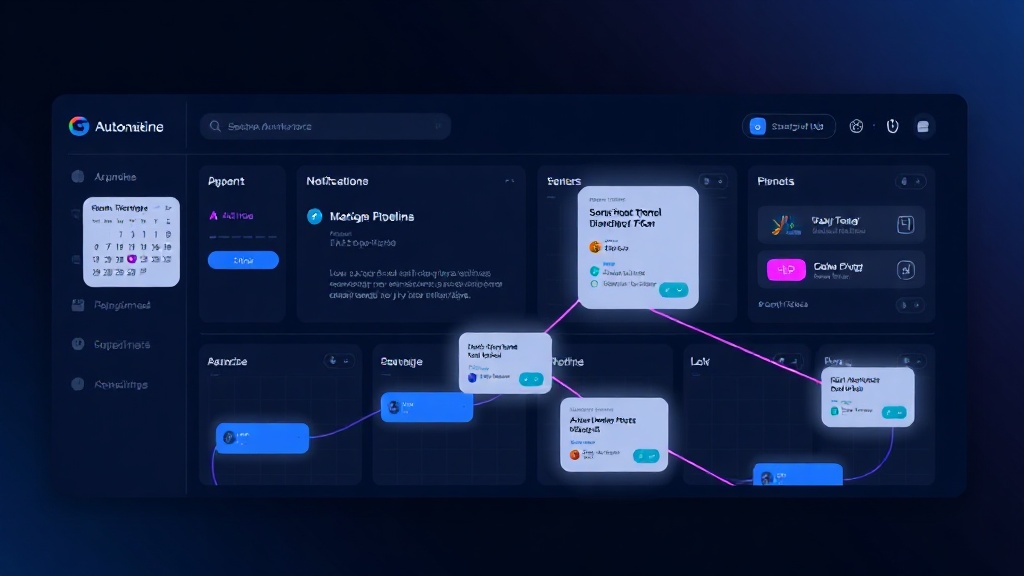
TL;DR: Automated maintenance windows eliminate manual status updates during planned downtime. Set up scheduled notifications, define clear communication templates, integrate with your deployment pipeline, and configure automatic status changes to keep customers informed without manual intervention.
Why Automated Maintenance Windows Matter
Manual maintenance window management is a recipe for disaster. You're juggling deployment schedules, customer communications, and status updates while trying to execute critical infrastructure changes.
The result? Forgotten status updates, confused customers, and support tickets flooding in during what should be routine maintenance.
Automated maintenance windows solve this by:
- Eliminating human error in status communications
- Reducing support ticket volume by 60-80% during planned downtime
- Improving customer satisfaction through proactive communication
- Freeing your team to focus on the actual maintenance work
Planning Your Automation Strategy
Define Your Maintenance Types
Not all maintenance is created equal. Start by categorizing your different maintenance scenarios:
Database Maintenance: Weekly backups, index rebuilds, schema changes
Infrastructure Updates: Server patches, security updates, hardware replacements
Application Deployments: Feature releases, bug fixes, configuration changes
Network Maintenance: ISP upgrades, firewall updates, load balancer changes
Each type requires different communication strategies and impact levels.
Establish Communication Windows
Customers need advance notice, but too much notice gets forgotten. Here's what works in 2026:
- Minor maintenance: 24-48 hours advance notice
- Major updates: 7 days advance notice
- Critical infrastructure: 14+ days advance notice
- Emergency maintenance: Real-time notifications only
Schedule your automated notifications accordingly.
Setting Up Automated Notifications
Create Maintenance Window Templates
Consistent messaging builds trust. Develop templates for each maintenance type:
Subject: [Scheduled] Database Maintenance - {{date}} {{time}}

We'll be performing routine database maintenance on {{date}} from {{start_time}} to {{end_time}} {{timezone}}.

Expected Impact:
- Brief connection delays (30-60 seconds)
- No data loss expected
- All features remain available

We'll update this page with real-time progress.
Include variables for dates, times, affected services, and expected impact levels.
Configure Automated Scheduling
Most modern status page platforms support automated maintenance scheduling. Here's your setup checklist:
- Connect your deployment calendar to your status page system
- Set trigger conditions based on deployment tags or schedule patterns
- Configure notification timing for advance notices and real-time updates
- Define affected components automatically based on deployment scope
- Set automatic resolution when maintenance completes successfully
Integration with CI/CD Pipelines
Your deployment pipeline should trigger maintenance windows automatically. Here's how to set this up:
Pre-deployment Hook:
- Create maintenance window
- Send advance notifications
- Update affected component status
During Deployment:
- Provide real-time progress updates
- Monitor for unexpected issues
- Escalate to incident if problems occur
Post-deployment:
- Verify services are operational
- Close maintenance window
- Send completion notification
Technical Implementation
API-Based Automation
Most status page platforms offer APIs for maintenance window management. Here's a typical workflow:
# Create maintenance window
curl -X POST https://api.statuspage.com/maintenance \
  -H "Authorization: Bearer $TOKEN" \
  -d '{
    "scheduled_for": "2026-03-15T02:00:00Z",
    "scheduled_until": "2026-03-15T04:00:00Z",
    "components": ["api", "database"],
    "title": "Database Optimization",
    "body": "Routine maintenance to improve performance"
  }'
Webhook Integration
Set up webhooks to trigger maintenance windows from external systems:
Monitoring System Integration: Automatically create maintenance windows when deployment monitoring detects planned changes
Calendar Integration: Sync with Google Calendar or Outlook to create maintenance windows from scheduled events
Ticketing System Integration: Generate maintenance windows from approved change requests
Smart Component Mapping
Automate component selection based on deployment metadata:
# In your deployment config
maintenance:
  affected_components:
    - api-gateway
    - user-service
    - notification-service
  impact_level: "minor"
  estimated_duration: "2h"
Advanced Automation Features
Intelligent Scheduling
Use historical data to optimize maintenance timing:
- Traffic Analysis: Schedule during lowest usage periods
- Geographic Optimization: Consider user time zones for global services
- Dependency Mapping: Automatically sequence dependent maintenance tasks
Dynamic Impact Assessment
Implement smart impact detection:
- Monitor real-time metrics during maintenance
- Automatically escalate to incidents if impact exceeds expectations
- Adjust estimated completion times based on actual progress
Customer Segmentation
Differentiate communications based on customer tiers:
- Enterprise customers: Dedicated account manager notifications
- Standard customers: Standard email and status page updates
- Free tier: Status page notifications only
Monitoring and Optimization
Track Automation Effectiveness
Measure these key metrics:
- Notification accuracy: Percentage of maintenance windows that complete as scheduled
- Customer satisfaction: Support ticket reduction during maintenance
- Communication reach: Email open rates and status page traffic
- False positive rate: Maintenance windows that escalate to incidents
Continuous Improvement
Regularly review and optimize your automation:
- Template effectiveness: A/B test different communication styles
- Timing optimization: Analyze customer feedback on notification timing
- Integration reliability: Monitor API call success rates and webhook delivery
Handling Edge Cases
Plan for automation failures:
- Fallback notifications: Manual override capabilities for critical communications
- Extended maintenance: Automatic updates when work runs longer than expected
- Emergency escalation: Immediate incident creation if maintenance causes unexpected issues
Best Practices for 2026
Mobile-First Communications
Ensure your automated notifications work perfectly on mobile devices. Most customers check status updates on their phones first.
Multi-Channel Consistency
Maintain consistent messaging across all channels:
- Status page updates
- Email notifications
- SMS alerts (for critical customers)
- In-app notifications
- Social media updates
Proactive Transparency
Customers appreciate honesty about maintenance impact. Automated systems should:
- Clearly communicate expected impact levels
- Provide realistic time estimates
- Explain the benefits of the maintenance work
Common Pitfalls to Avoid
Over-automation: Don't automate everything. Complex or risky maintenance still needs human oversight.
Generic messaging: Avoid one-size-fits-all templates. Customize based on actual impact and affected services.
Poor timing: Respect customer time zones and business hours when scheduling notifications.
Missing escalation paths: Always have manual override capabilities for when automation fails.
Conclusion
Automated maintenance windows transform planned downtime from a communication nightmare into a smooth, professional experience. The key is starting simple with basic scheduling and notifications, then gradually adding intelligence and customization.
Platforms like Livstat make this automation straightforward with built-in maintenance window management and flexible API integration. Focus on consistency, clear communication, and continuous improvement based on customer feedback.
Remember: the goal isn't just reducing your workload—it's building customer trust through reliable, proactive communication during every maintenance event.