How to Create a Status Page for Your Website: Complete Guide
Learn to build an effective status page that keeps users informed during outages and builds trust. Step-by-step guide with best practices and tools.
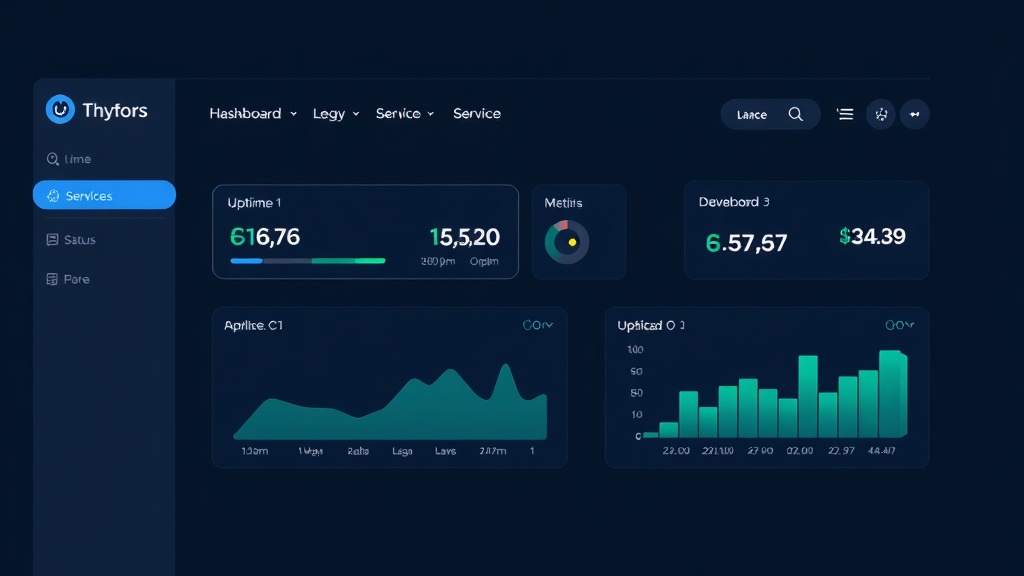
TL;DR: A status page is essential for transparent communication during downtime. Choose between hosted solutions or self-hosted options, focus on clear messaging, and include real-time monitoring. Key elements: incident history, component status, and subscribe options.
Why Your Website Needs a Status Page
When your website goes down, your users deserve transparency. A status page serves as your communication lifeline during outages, scheduled maintenance, and service disruptions.
Without a status page, frustrated users flood your support channels with the same question: "Is it just me, or is your site down?" This creates unnecessary support burden and damages user trust.
A well-designed status page reduces support tickets by up to 40% during incidents. More importantly, it demonstrates professionalism and builds confidence in your service.
What Makes an Effective Status Page
Essential Components
Your status page should include these core elements:
- Overall system status - Green/yellow/red indicator for quick assessment
- Individual component status - Break down services (API, website, database, etc.)
- Incident history - Past 30-90 days of incidents with details
- Scheduled maintenance - Upcoming planned downtime
- Subscribe options - Email, SMS, or webhook notifications
- Response time metrics - Optional but builds credibility
Design Principles
Keep your status page simple and functional. Users visit during stressful moments when services aren't working. They need information fast, not fancy animations or complex navigation.
Use clear, non-technical language. Instead of "Database cluster experiencing degraded performance," write "Some users may experience slower loading times."
Make your status page mobile-friendly. Many users will check it on their phones, especially during widespread outages.
Choosing Your Status Page Solution
Hosted Status Page Services
Hosted solutions handle the technical infrastructure while you focus on communication. Popular options include:
- Statuspage.io (Atlassian) - Industry standard with robust features
- Status.io - Good balance of features and pricing
- Livstat - Combines status pages with built-in monitoring
- Cachet - Open source option you can host yourself
Hosted services typically cost $29-$149 per month but save significant development time. They include features like notification systems, API integration, and reliable hosting.
Self-Hosted Solutions
Building your own status page gives you complete control but requires more technical expertise. Consider this approach if:
- You have specific branding requirements
- Your budget is extremely limited
- You need custom integrations
- You want to host everything internally
Popular self-hosted options include Cachet, Statusfy, and cState. These require server maintenance and ongoing updates.
Step-by-Step Setup Process
Step 1: Choose Your Domain Strategy
Decide where to host your status page. You have three options:
- Subdomain (status.yoursite.com) - Most common and recommended
- Separate domain (yoursite-status.com) - Best for critical services
- Subdirectory (yoursite.com/status) - Avoid this; if your main site is down, users can't access it
Subdomains work well because they're easy to remember but hosted separately from your main infrastructure.
Step 2: Define Your Components
List all the services your users depend on. Common components include:
- Website/web application
- API endpoints
- Database
- CDN/file uploads
- Email delivery
- Payment processing
- Mobile apps
Group related services together. Don't overwhelm users with too many technical details.
Step 3: Set Up Monitoring
Your status page is only as good as the data feeding it. Implement monitoring for each component:
- Uptime monitoring - Ping tests every 1-5 minutes
- Performance monitoring - Response time tracking
- Transaction monitoring - Critical user flows
- Infrastructure monitoring - Server resources and database performance
Many status page solutions include basic monitoring. For comprehensive coverage, consider dedicated monitoring tools that integrate with your status page.
Step 4: Configure Notifications
Set up multiple notification channels:
- Email subscriptions - Essential for all users
- SMS notifications - For critical incidents
- Webhook integration - For your internal systems
- RSS feeds - For automated monitoring
- Social media - Twitter integration for public updates
Allow users to choose which components they want notifications for. A mobile app user doesn't need API downtime alerts.
Step 5: Create Communication Templates
Prepare incident communication templates for different scenarios:
Investigating Template:
"We're investigating reports of slow loading times. We'll provide an update within 30 minutes."
Identified Template:
"We've identified a database performance issue affecting 15% of users. Our team is implementing a fix."
Monitoring Template:
"The fix has been deployed and we're monitoring the results. Services should be fully restored."
Resolved Template:
"All systems are operating normally. We'll conduct a post-incident review and share findings."
Best Practices for Status Page Management
Communication Guidelines
Be proactive with updates. Users prefer frequent, short updates over radio silence. Post updates every 30-60 minutes during active incidents, even if there's no new information.
Use specific timeframes when possible. "We expect resolution within 2 hours" is better than "We're working on it."
Avoid technical jargon. Your audience includes non-technical users who just want to know if they can use your service.
Incident Classification
Establish clear severity levels:
- Operational - Everything working normally
- Degraded Performance - Service slower than usual
- Partial Outage - Some features unavailable
- Major Outage - Service completely unavailable
Be honest about impact. Users can tell when you're downplaying a major issue.
Maintenance Communication
Announce scheduled maintenance at least 48 hours in advance. Include:
- Start and end times (with time zones)
- Which services will be affected
- What users can expect
- Alternative contact methods if needed
Consider your users' time zones when scheduling maintenance. Avoid peak business hours in your primary markets.
Testing and Optimization
Regular Testing
Test your status page monthly:
- Verify all monitoring integrations work
- Test notification delivery
- Check mobile responsiveness
- Review page load times
- Update component lists as your infrastructure changes
Performance Metrics
Track these key metrics:
- Notification delivery time - How quickly alerts reach subscribers
- Page availability - Your status page's own uptime
- Subscriber engagement - Open rates and click-through rates
- Support ticket reduction - Compare volumes before and after incidents
Continuous Improvement
Collect feedback from users and internal teams. Common areas for improvement include:
- More granular component status
- Better mobile experience
- Faster notification delivery
- Clearer incident descriptions
- Historical data analysis
Conclusion
A well-implemented status page transforms service disruptions from communication disasters into trust-building opportunities. Your users appreciate transparency, and proactive communication during incidents often strengthens rather than weakens customer relationships.
Start with a simple setup covering your core services, then expand based on user feedback and operational needs. Whether you choose a hosted solution or build your own, the key is consistency in communication and reliability in monitoring.
Remember: your status page is often the first place users go when things go wrong. Make it count.


