How to Set Up SLA Monitoring and Tracking for SaaS Applications
Learn to implement effective SLA monitoring for your SaaS application with proper metrics, thresholds, and automated tracking systems. Essential guide for maintaining customer trust and meeting performance commitments.
TL;DR: Set up SLA monitoring by defining clear metrics (uptime, response time, resolution time), establishing measurement baselines, implementing automated tracking tools, and creating escalation workflows. Focus on customer-facing services and maintain transparent reporting to build trust.
Why SLA Monitoring Matters in 2026
Service Level Agreements (SLAs) aren't just legal documents—they're promises to your customers. In 2026's competitive SaaS landscape, failing to meet these commitments can cost you customers within hours, not days.
Effective SLA monitoring goes beyond simple uptime checks. You need comprehensive tracking that covers performance, availability, and response metrics across your entire application stack.
The stakes are higher than ever. Recent industry data shows that 73% of SaaS customers will switch providers after just two SLA violations within a quarter.
Step 1: Define Your SLA Metrics
Core Performance Metrics
Start with the three fundamental SLA metrics that matter most to your customers:
Availability (Uptime): Measure the percentage of time your service is accessible and functional. Most SaaS applications target 99.9% (8.77 hours downtime per year) or 99.99% (52.6 minutes per year).
Response Time: Track how quickly your application responds to user requests. Set different thresholds for different types of operations—API calls might need sub-200ms responses, while complex reports could allow 3-5 seconds.
Resolution Time: Monitor how quickly you resolve incidents once they're detected. This includes acknowledgment time (typically 15-30 minutes) and full resolution time (varies by severity).
Application-Specific Metrics
Add metrics that align with your specific service:
- Throughput: Requests processed per minute or transactions completed
- Error Rates: Percentage of failed requests or operations
- Data Processing Latency: Time to process uploads, imports, or batch operations
- Feature Availability: Uptime for specific features or modules
Step 2: Establish Measurement Baselines
Historical Performance Analysis
Before setting SLA targets, analyze your historical performance data from the past 6-12 months. Look for:
- Average response times during peak and off-peak hours
- Seasonal traffic patterns and performance impacts
- Common failure points and their typical resolution times
- Infrastructure capacity limits and scaling patterns
This baseline data helps you set realistic, achievable SLA targets that account for real-world conditions.
Buffer Zone Planning
Never set your SLA targets at your current performance limits. Build in a 10-20% buffer to account for unexpected traffic spikes, infrastructure changes, or external dependencies.
For example, if your average API response time is 150ms, set your SLA threshold at 200ms to provide operational breathing room.
Step 3: Choose Your Monitoring Infrastructure
External Monitoring Setup
Implement monitoring from multiple external locations to get an accurate view of user experience. Set up synthetic monitoring that:
- Tests critical user journeys every 1-5 minutes
- Monitors from at least 3 different geographic regions
- Includes both desktop and mobile user agents
- Tests during maintenance windows and deployments
Internal Application Monitoring
Deploy comprehensive internal monitoring that tracks:
Database Performance: Query response times, connection pool utilization, and transaction throughput.
Application Server Health: CPU usage, memory consumption, and request queue depths.
Third-Party Dependencies: API response times and availability for external services your application relies on.
Infrastructure Metrics: Load balancer performance, CDN hit rates, and network latency between services.
Step 4: Implement Automated Tracking Systems
Real-Time Alerting Configuration
Set up multi-tier alerting that escalates based on severity and duration:
Warning Alerts (Performance degradation): Triggered when metrics approach SLA thresholds—typically at 80% of your limit.
Critical Alerts (SLA breach imminent): Activated when you're within 5 minutes of violating an SLA commitment.
SLA Violation Alerts (Breach occurred): Immediate notification to all stakeholders when an SLA is actually violated.
Automated Response Actions
Configure automated responses for common scenarios:
- Auto-scaling triggers when response times increase
- Failover mechanisms for database or service outages
- Cache warming procedures after deployments
- Status page updates for customer-facing incidents
Step 5: Create SLA Dashboards and Reporting
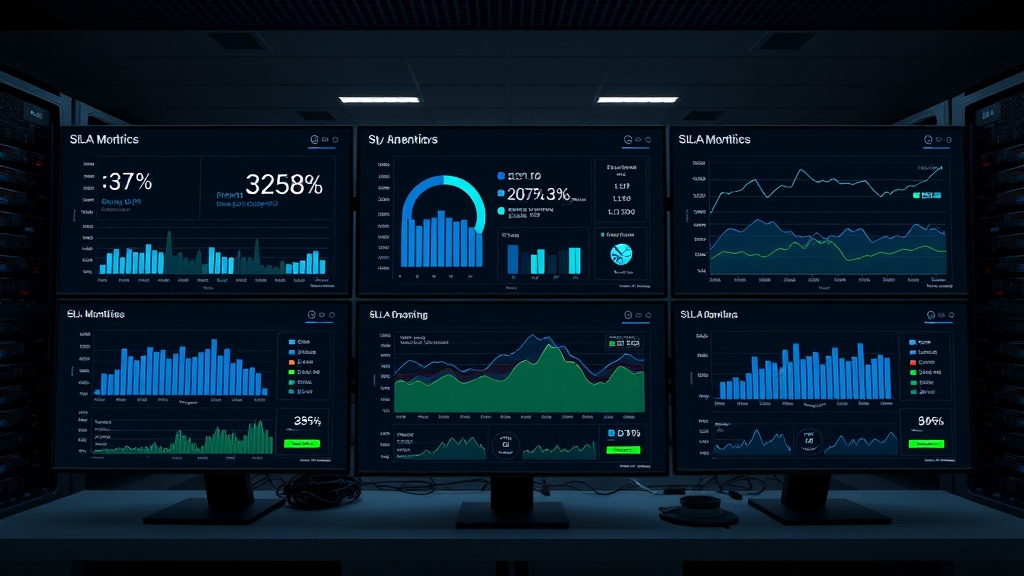
Executive Dashboard Design
Build executive-level dashboards that show:
- Monthly SLA compliance percentage for each service
- Trend analysis comparing current vs. previous periods
- Customer impact metrics (affected users, revenue at risk)
- Mean Time to Resolution (MTTR) improvements over time
Technical Team Dashboards
Create detailed technical dashboards for your operations team:
- Real-time service health across all components
- SLA budget remaining for the current period
- Historical incident patterns and root cause analysis
- Capacity planning projections based on current growth
Platforms like Livstat can integrate these monitoring capabilities with customer-facing status pages, providing both internal tracking and external transparency.
Step 6: Establish SLA Violation Workflows
Incident Classification System
Create clear criteria for categorizing SLA violations:
Severity 1: Complete service outage affecting all customers
Severity 2: Major feature unavailable or significant performance degradation
Severity 3: Minor feature issues or localized performance problems
Severity 4: Cosmetic issues or single-customer problems
Escalation Procedures
Define escalation timelines and responsibilities:
- 0-15 minutes: On-call engineer investigates and provides initial assessment
- 15-30 minutes: Team lead engaged if issue isn't resolved
- 30-60 minutes: Engineering manager and customer success team notified
- 60+ minutes: Executive team alerted for customer communication strategy
Step 7: Customer Communication Integration
Proactive Notification Systems
Set up automated customer notifications that trigger when:
- SLA thresholds are approaching (internal alert only)
- Performance degradation is detected (proactive customer notice)
- SLA violations occur (immediate customer notification with ETA)
- Resolution is achieved (confirmation and post-incident summary)
Transparency and Trust Building
Maintain public SLA performance metrics on your status page. This transparency builds customer confidence and demonstrates your commitment to accountability.
Include monthly SLA reports in customer communications, highlighting achievements and improvements made after any violations.
Common Implementation Pitfalls to Avoid
Over-Engineering Monitoring
Don't monitor everything—focus on customer-impacting metrics. Too many alerts lead to alert fatigue and delayed responses to actual problems.
Unrealistic SLA Targets
Avoid setting SLA targets that require perfect performance. Build in realistic buffers that account for planned maintenance, security updates, and unexpected issues.
Ignoring Dependencies
Your SLAs can only be as reliable as your weakest dependency. Monitor third-party services and cloud providers, and factor their SLAs into your own commitments.
Measuring Success and Continuous Improvement
Track these key performance indicators monthly:
- SLA Compliance Rate: Percentage of time you meet each SLA metric
- Mean Time to Detection (MTTD): How quickly you identify SLA violations
- Mean Time to Resolution (MTTR): How fast you resolve SLA breaches
- Customer Satisfaction Scores: Post-incident surveys and support ticket sentiment
Use this data to refine your monitoring thresholds, improve response procedures, and invest in infrastructure improvements that enhance reliability.
Conclusion
Effective SLA monitoring requires a systematic approach that balances technical precision with customer communication. By implementing comprehensive tracking, automated alerting, and transparent reporting, you'll not only meet your SLA commitments but exceed customer expectations.
Remember that SLA monitoring isn't a set-and-forget system. Regular review and refinement ensure your monitoring evolves with your application and customer needs, maintaining the trust that drives long-term customer relationships.