How to Implement Incident Communication Templates for Customer-Facing Outages
Learn to create standardized incident communication templates that keep customers informed during outages. Build trust through transparent, timely updates that reduce support tickets and maintain user confidence.
TL;DR: Effective incident communication templates standardize your outage messaging, reduce response time, and maintain customer trust. Create templates for different severity levels, include clear timelines and impact descriptions, and test them regularly to ensure they work when you need them most.
Why Incident Communication Templates Matter in 2026
When your service goes down, every minute counts. Your customers expect immediate, clear communication about what's happening and when they can expect resolution. Without standardized templates, your team scrambles to craft messages during high-stress situations, often resulting in inconsistent, unclear, or delayed communications.
Research shows that 73% of customers will switch to a competitor after just one poor incident experience. The difference between retaining and losing customers often comes down to how well you communicate during outages.
Pre-built templates eliminate guesswork and ensure your team delivers consistent, professional updates regardless of who's managing the incident.
Essential Components of Effective Incident Templates
Status and Severity Classification
Your templates must clearly categorize incident severity. Create distinct messaging frameworks for each level:
Critical (P0): Complete service unavailability affecting all users
High (P1): Major functionality impaired, affecting most users
Medium (P2): Limited functionality issues affecting some users
Low (P3): Minor issues with minimal user impact
Each severity level requires different messaging urgency, update frequency, and stakeholder notification lists.
Clear Impact Description
Customers need to understand exactly how the incident affects them. Your templates should include:
- Specific services or features impacted
- Geographic regions affected
- User segments experiencing issues
- Workarounds or alternatives available
Avoid technical jargon. Instead of "database connection timeout errors," write "users may experience delays when loading their dashboard."
Timeline and Update Schedule
Set clear expectations about when customers will receive updates. Include standard phrases like:
- "We'll provide an update within 30 minutes"
- "Next update scheduled for [specific time]"
- "We're monitoring the situation and will update you as soon as we have more information"
Consistency in update timing builds trust and reduces anxious customer inquiries.
Template Structure for Different Incident Phases
Initial Detection Template
Subject: [INCIDENT] - [Service Name] - [Brief Description]

We're currently investigating reports of [specific issue]. Users may experience [impact description].

Affected services:
• [List specific services]
• [Geographic regions if applicable]

We're working to resolve this issue and will provide an update within [timeframe].

Status page: [Your status page URL]
Investigation Update Template
Subject: [UPDATE] - [Service Name] - [Brief Description]

We've identified the root cause as [non-technical explanation]. Our engineering team is implementing a fix.

Current status:
• [What's working]
• [What's still affected]
• [Estimated resolution time if available]

Next update: [Specific time]
Status page: [Your status page URL]
Resolution Template
Subject: [RESOLVED] - [Service Name] - [Brief Description]

The issue has been resolved. All services are now operating normally.

Summary:
• Issue detected: [Time]
• Root cause: [Brief explanation]
• Resolution: [Time]
• Total duration: [Time span]

We apologize for any inconvenience caused. A detailed post-incident report will be available within 24 hours.

Status page: [Your status page URL]
Customizing Templates by Audience
Customer-Facing Communications
Keep language simple and focus on business impact. Customers care about:
- How it affects their work
- When it will be fixed
- What they can do in the meantime
Internal Team Updates
Include technical details that help team members understand the situation:
- Affected infrastructure components
- Troubleshooting steps taken
- Resource requirements for resolution
Executive Summaries
Focus on business impact, customer count affected, and high-level resolution timeline. Executives need to understand potential reputational and financial implications.
Implementing Multi-Channel Communication
Status Page Integration
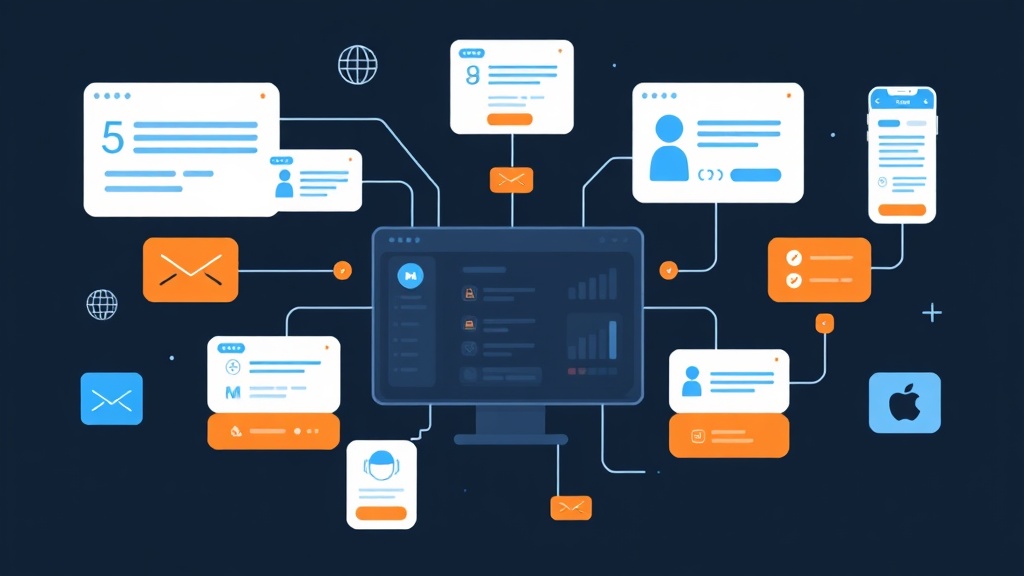
Your primary communication hub should be your status page. Tools like Livstat automatically distribute updates across multiple channels, ensuring consistent messaging whether customers check your status page, receive email notifications, or follow social media updates.
Email Notifications
Segment your email lists based on:
- Customer tier (enterprise vs. standard)
- Services used
- Geographic location
- Preferred communication frequency
Social Media Templates
Create shortened versions for Twitter/X, LinkedIn, and other platforms:
🔴 We're investigating reports of [issue] affecting [service].
Users may experience [brief impact].
Updates: [status page link]
#StatusUpdate
Automation and Template Management
Template Storage and Access
Store templates in easily accessible locations:
- Incident management platform
- Shared documentation system
- Communication tool integrations
- Mobile-accessible formats for on-call teams
Automated Triggers
Set up automated template deployment when:
- Monitoring alerts reach certain thresholds
- Multiple customer reports come in
- Internal escalation procedures activate
Version Control
Maintain template versions with:
- Last updated date
- Change history
- Approval workflows for modifications
- A/B testing results for different messaging approaches
Testing and Continuous Improvement
Regular Template Drills
Conduct monthly communication exercises where teams practice using templates for simulated incidents. This helps identify:
- Unclear messaging
- Missing information
- Process bottlenecks
- Tool integration issues
Customer Feedback Integration
After each incident, gather feedback on communication effectiveness:
- Survey customers about message clarity
- Track support ticket volume during incidents
- Monitor social media sentiment
- Analyze customer churn rates post-incident
Metrics to Track
Measure your template effectiveness with:
- Time to first communication (target: <15 minutes)
- Update frequency consistency
- Customer satisfaction scores
- Support ticket deflection rates
Common Template Pitfalls to Avoid
Over-Promising Resolution Times
Never commit to specific resolution times unless you're absolutely certain. Use phrases like "working to resolve as quickly as possible" instead of "fixed within 2 hours."
Generic, Vague Language
Avoid templates that could apply to any incident. Customize each message with specific details about the current situation.
Inconsistent Tone
Maintain the same professional, empathetic tone across all templates and team members. Inconsistency confuses customers and undermines trust.
Building Customer Trust Through Transparent Communication
Effective incident communication templates do more than just inform—they build long-term customer relationships. When you communicate clearly, consistently, and honestly during outages, customers appreciate your transparency.
Remember that how you handle incidents often matters more to customers than the incidents themselves. A well-communicated 30-minute outage can actually strengthen customer relationships, while a poorly communicated 5-minute issue can damage trust permanently.
By implementing standardized templates that prioritize clarity, timeliness, and transparency, you transform potentially damaging incidents into opportunities to demonstrate your commitment to customer service excellence.